TS28
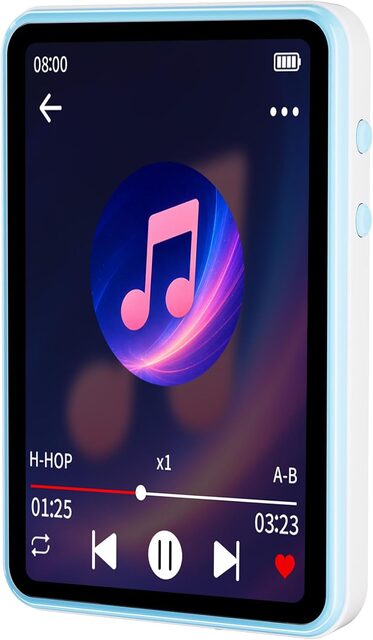
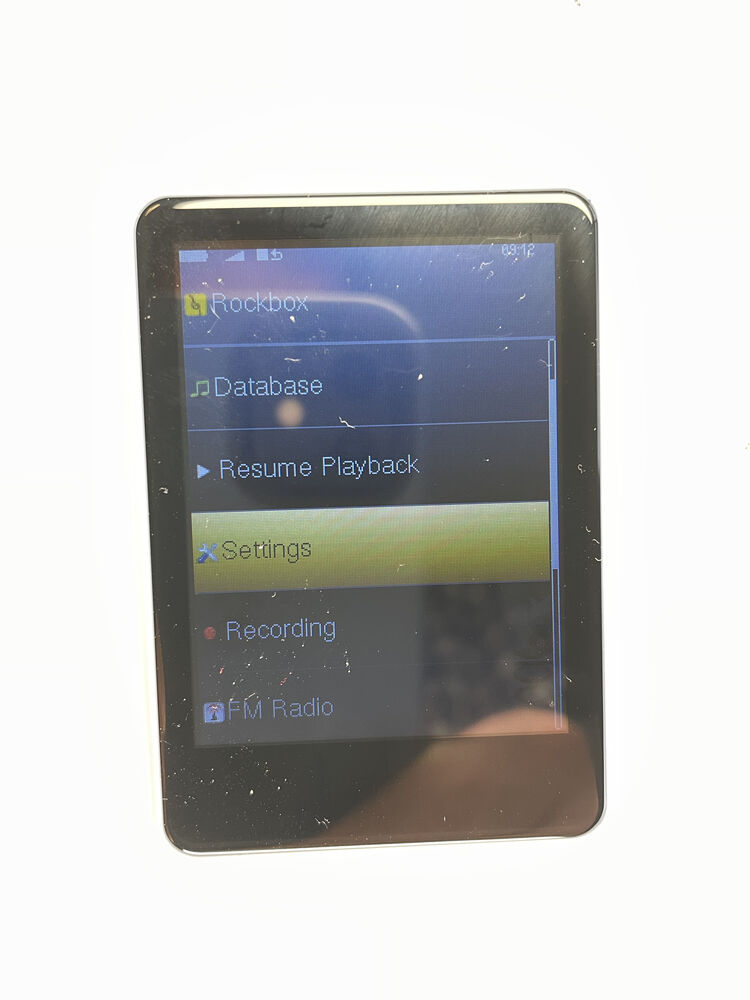
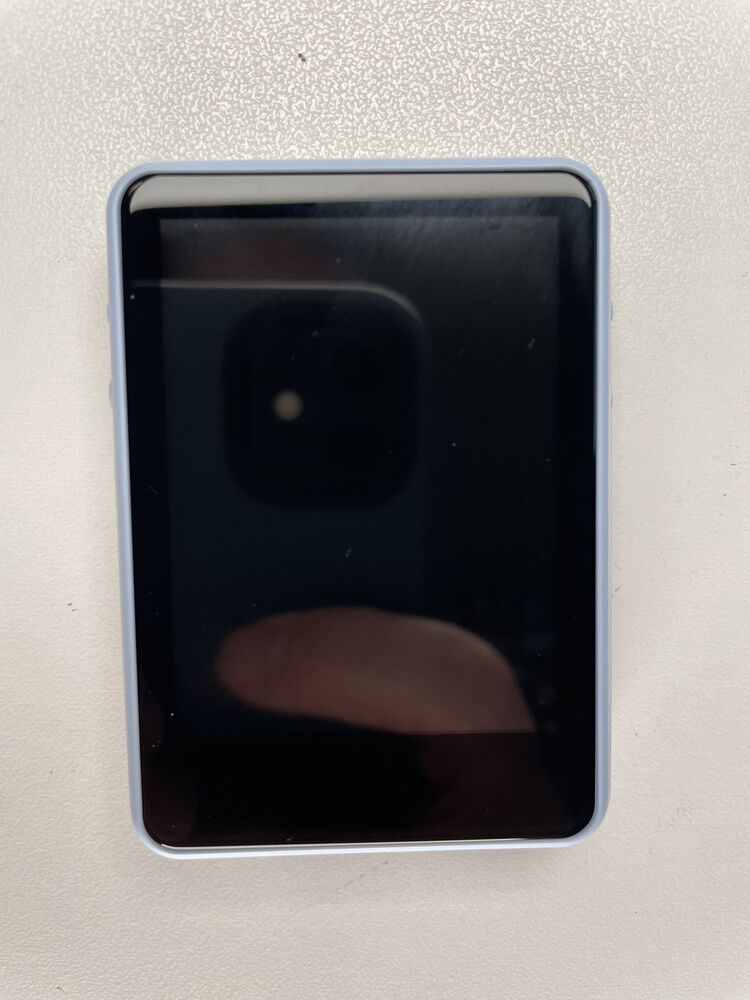
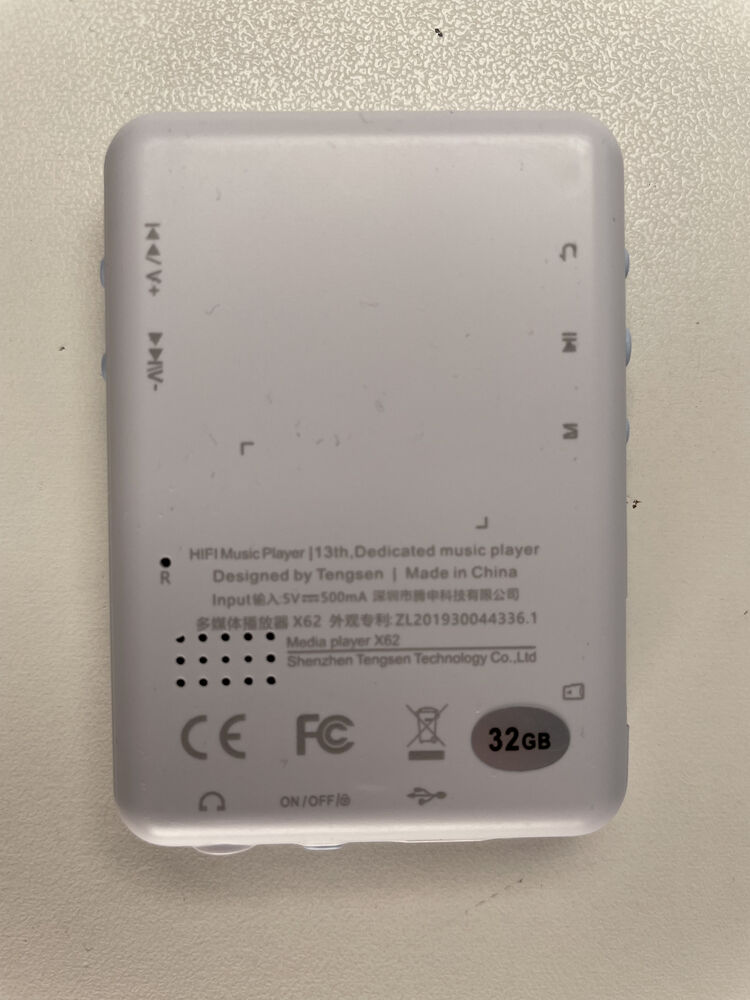
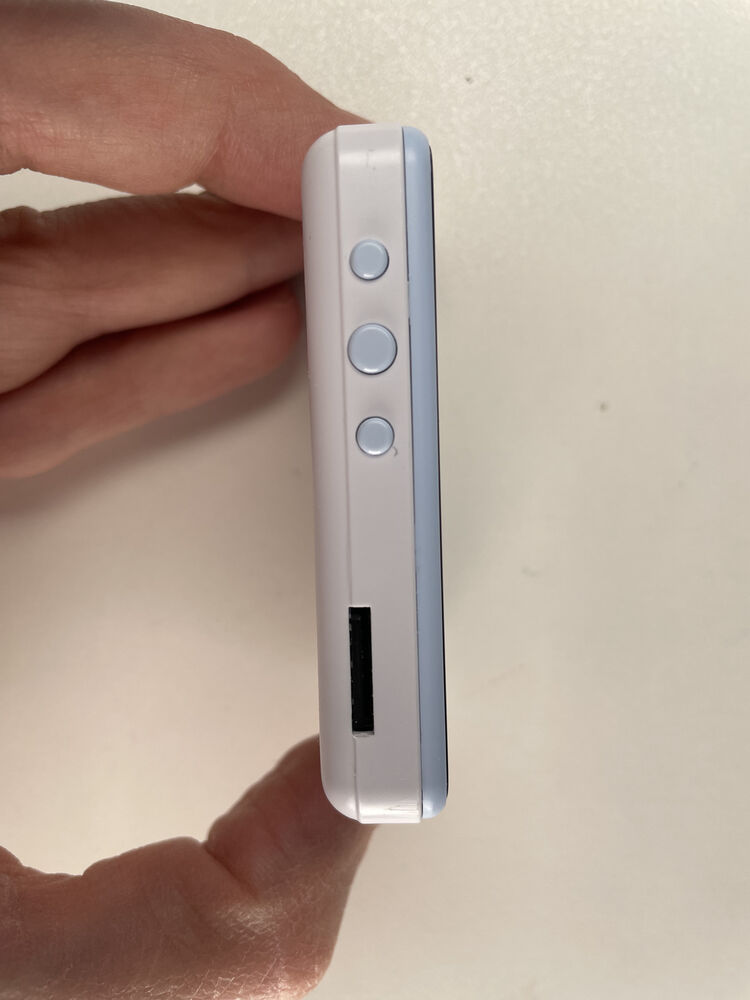
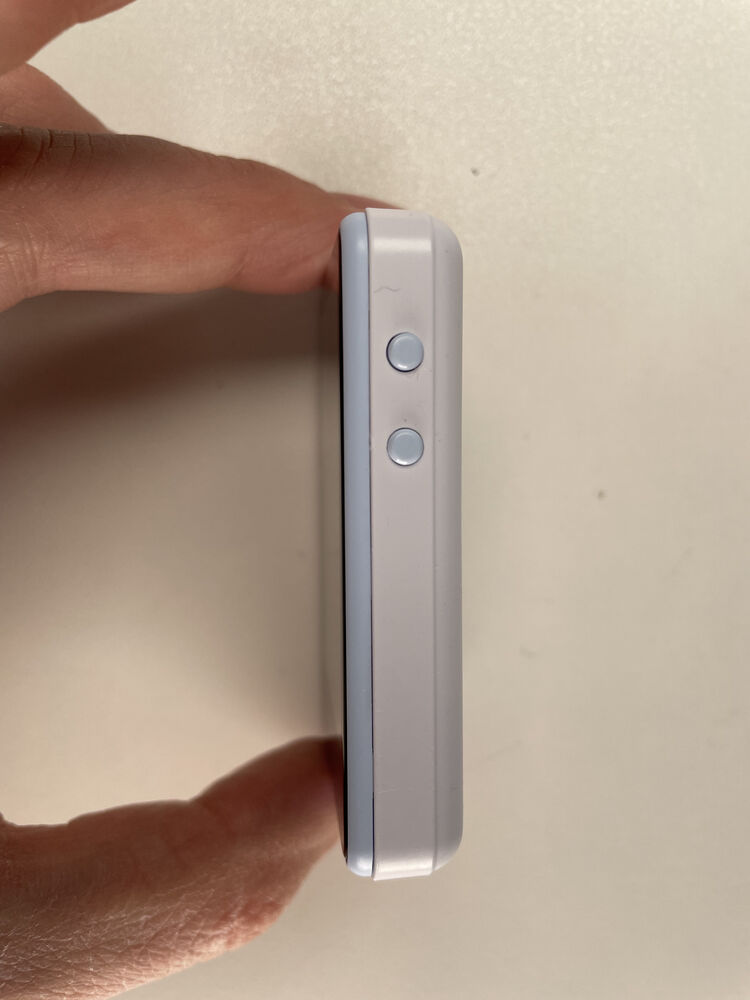
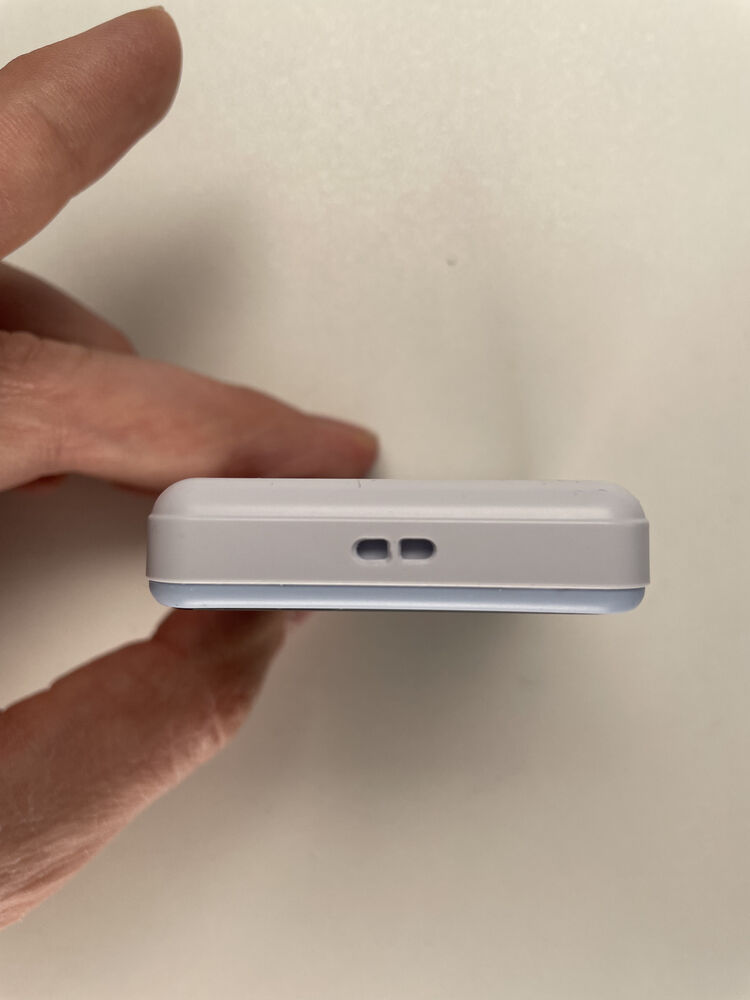
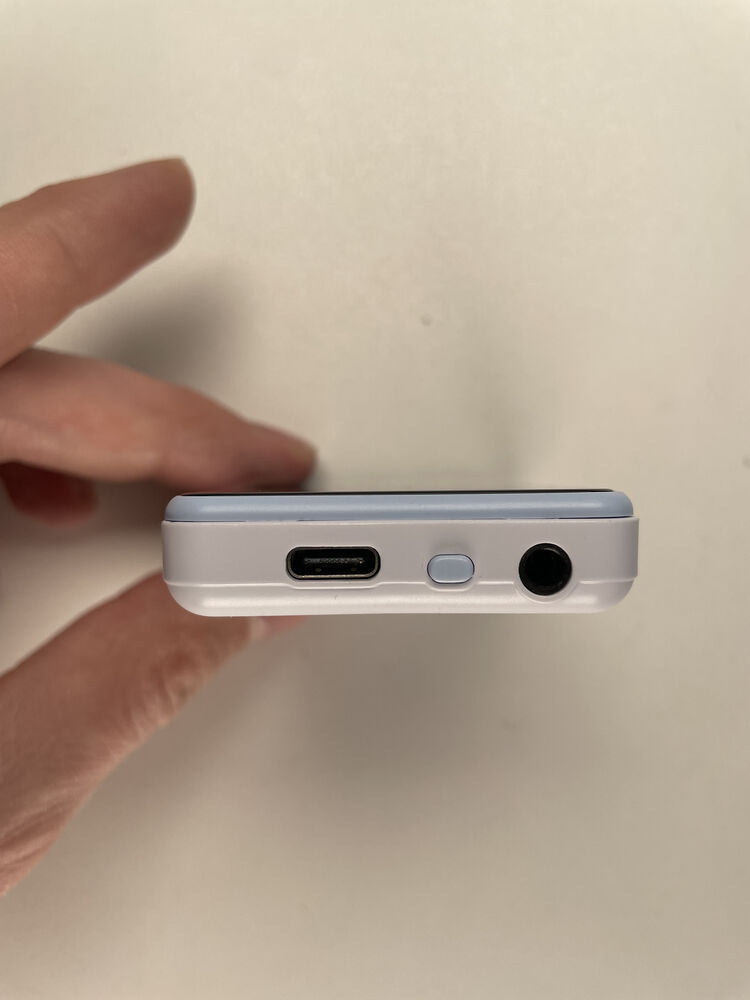
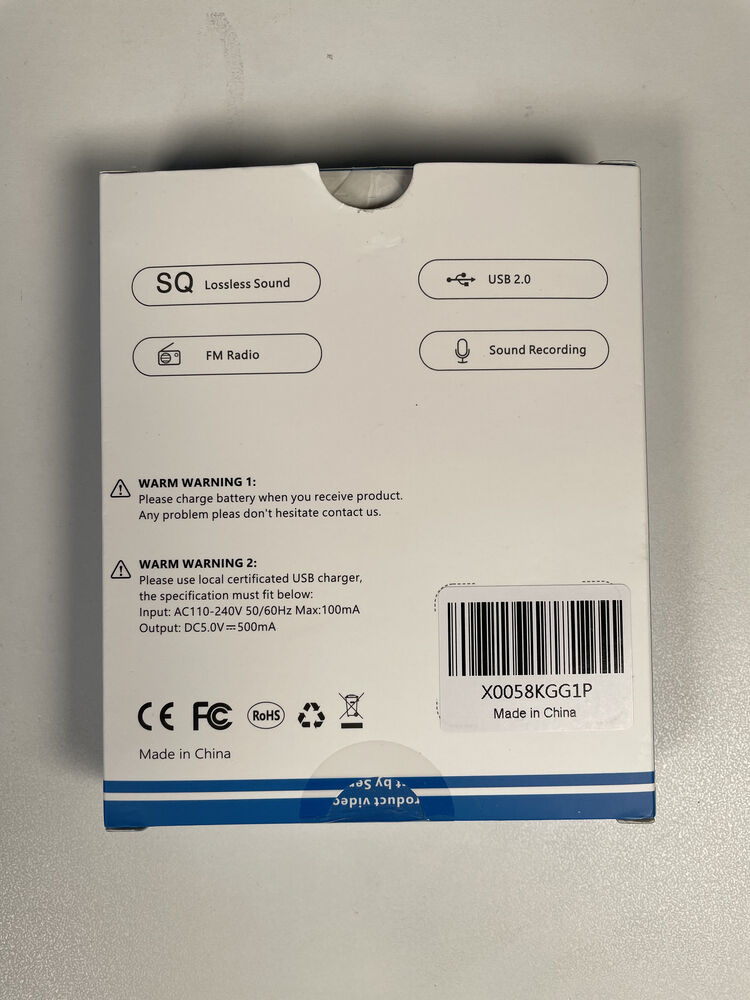
The same guts as the TS17, but with a touchscreen. Rockbox touch improvements are a WIP
At a glance
| Spec | Detail |
|---|---|
| Status | In development |
| SoC | Actions Lark (0x2351) |
| CPU | Cortex-M4F, 96 MHz (boost: ?) |
| RAM | 112 KiB SRAM + PSRAM (size unconfirmed) |
| Code storage | 4 MiB SPI NOR |
| XIP | Yes, through a 32 KiB cache |
| Display | 240x320, NV3030B |
| Buttons | 5 side keys + power |
| Stock firmware | ? |
| Manufacturer | Unknown |
| Also known as | CONODO (the brand on the listing we bought it from). We don’t know who actually makes it. It could be a discount Tengsen W2, but the W2 is a different player (metal shell, nicer screen), so we don’t call it that. |
| Identifiers | Barcode X0058KGG1P |
| Where to buy | Amazon: paid $20 on sale. Normally $30.99; MSRP $44.99 CONODO on Amazon. Sells both the TS17 and the TS28 |
Status
| Feature | Status | Notes |
|---|---|---|
| Core | ||
| Boot and power-on | Working | Behind the same rescue stub as the TS17. |
| Real power-off and wake | Partial | Power-off works; waking by the Power key doesn’t yet. Alarm and USB wake do. |
| Recovery to download mode | Working | Hold Vol+ while plugging in USB. |
| Display & input | ||
| LCD 240x320 | Working | NV3030B, synced to the tearing-effect line, about 49 Hz. |
| Touchscreen | Partial | Edge gestures need a hand test. |
| Side keys | Working | Five keys on one ADC ladder, plus Power. |
| Audio | ||
| Headphone output | Working | |
| Headphone detect | Working | |
| Line-in | Partial | Phase slips measured at a very low signal level; being checked. |
| Speaker | Untested | |
| Recording from the mic | Partial | Recording keys work; the screen’s layout is still being fixed. |
| Radio & wireless | ||
| FM radio | Working | |
| Bluetooth | Untested | |
| Storage & USB | ||
| microSD | Working | |
| USB mass storage | Untested | |
| Power | ||
| Charging control | Partial | The charger guard stops the charger as on the TS17. |
| Software | ||
| Touch themes | Working | Four themes at 240x320. |
Working Partial Missing Broken Planned Untested
Getting to download mode
- Turn off player and remove USB
- At the same time: a. Press the power button b. Insert USB cord
- If the screen turns on, the player is not in download mode.
Exiting Download Mode
Press reset button to exit, or press and hold power button for 10+s.
NOTE: The player will sit in download mode indefinitely with the screen off, make sure to turn it off.
Press reset button to exit, or press and hold power button for 10+s.
Rockbox Installed
System > Debug > Reboot to USB download
OR, the above procedure, with the option to press down on the dpad instead.
| Mode | USB ID | Shows up as |
|---|---|---|
| Stock firmware | 10d6:b00b |
MSC-Sample |
| Download mode (boot ROM) | 10d6:10d6 |
Actions Semiconductor |
| Rockbox | 1209:0003 |
Rockbox media player |