TS17
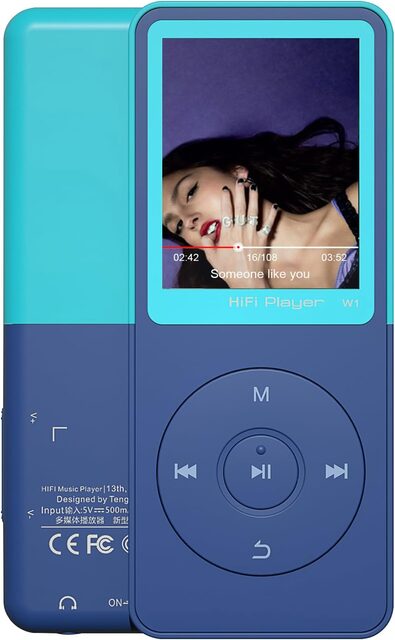
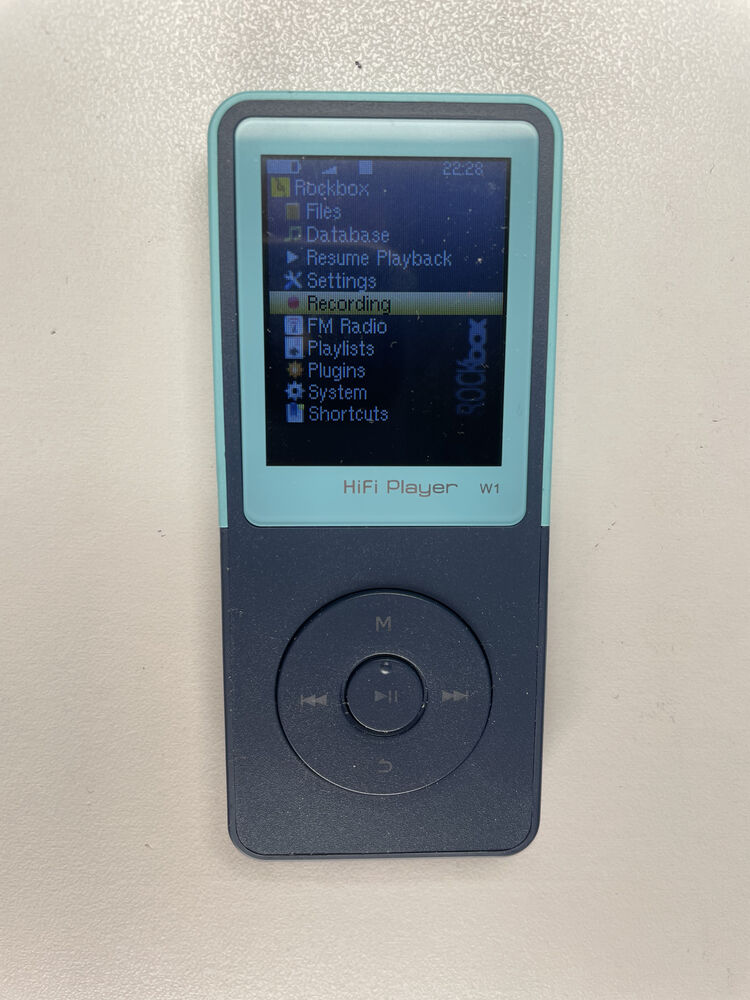
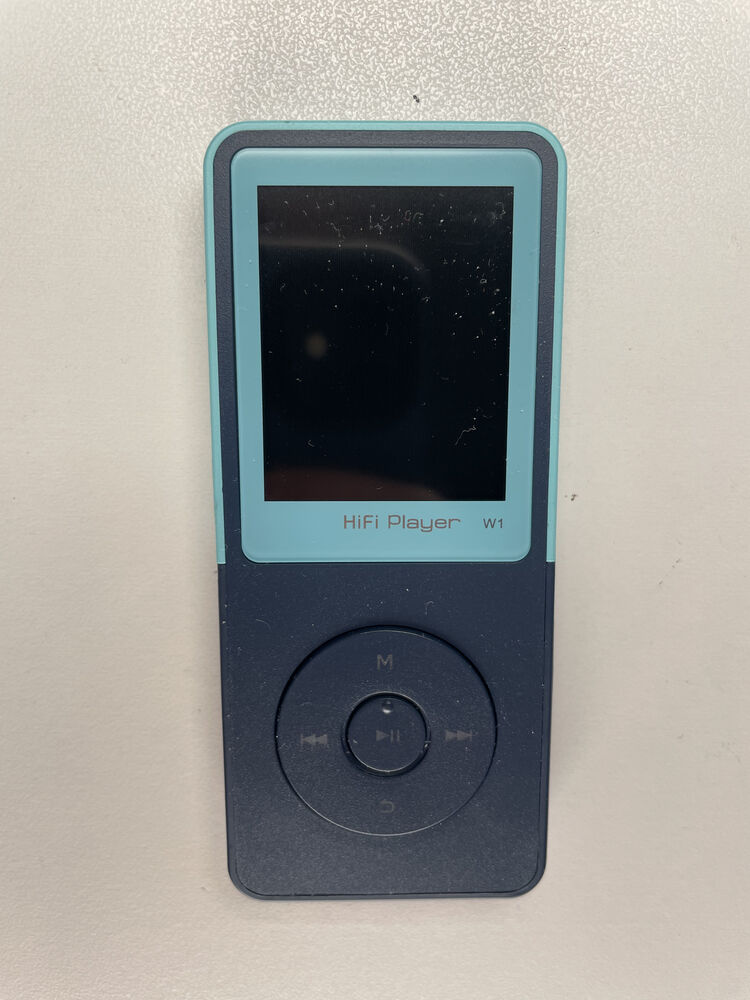
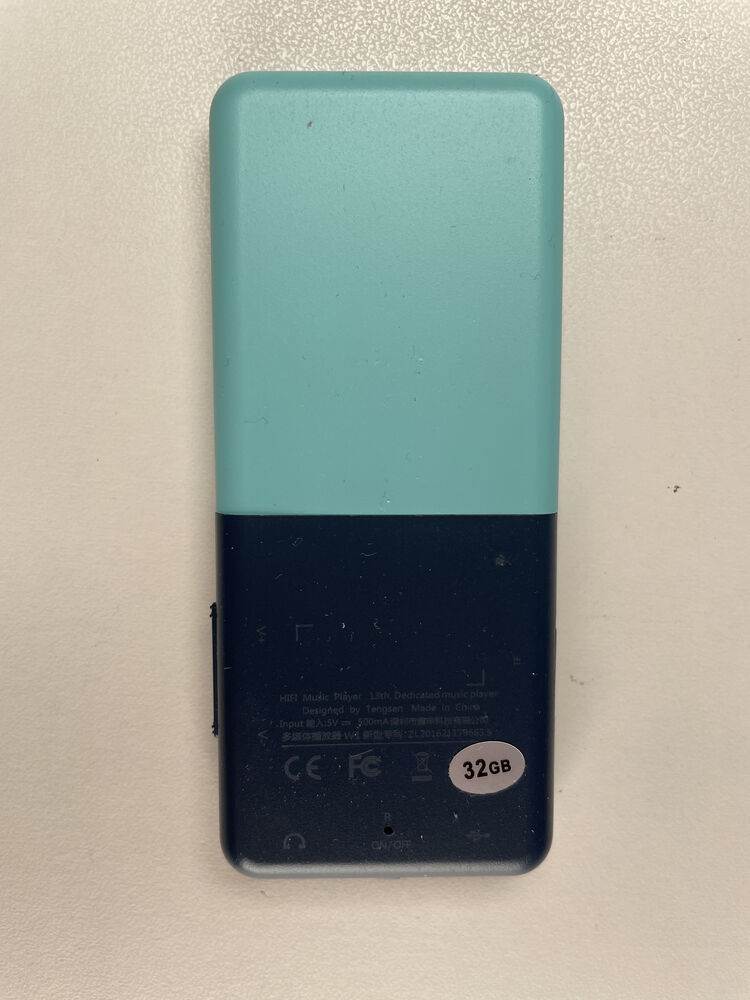
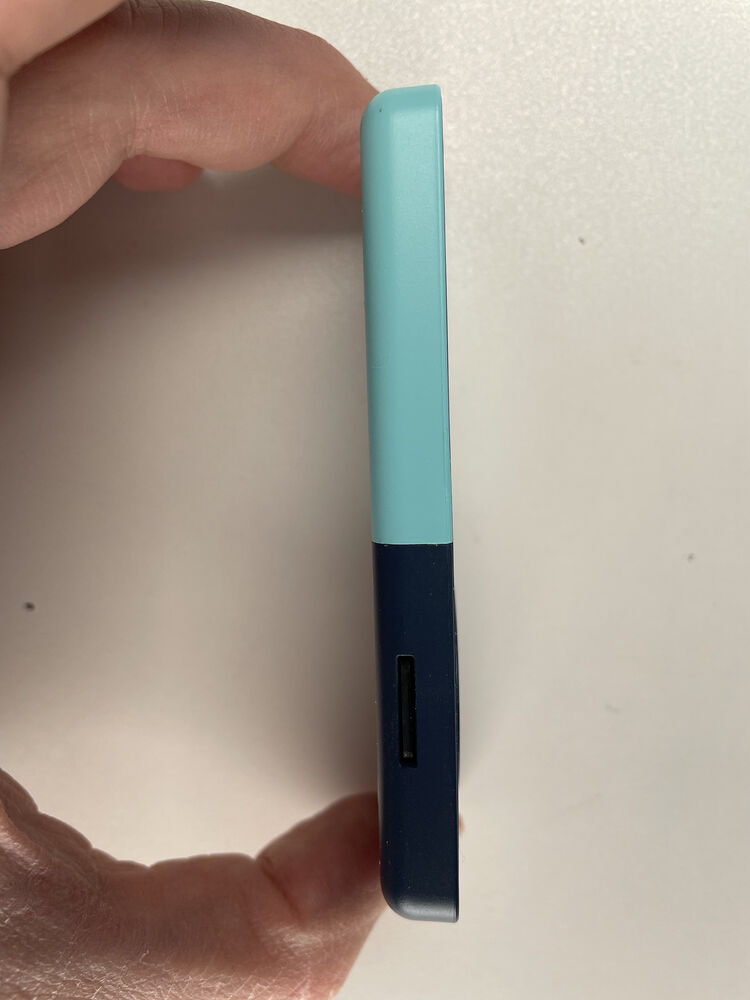
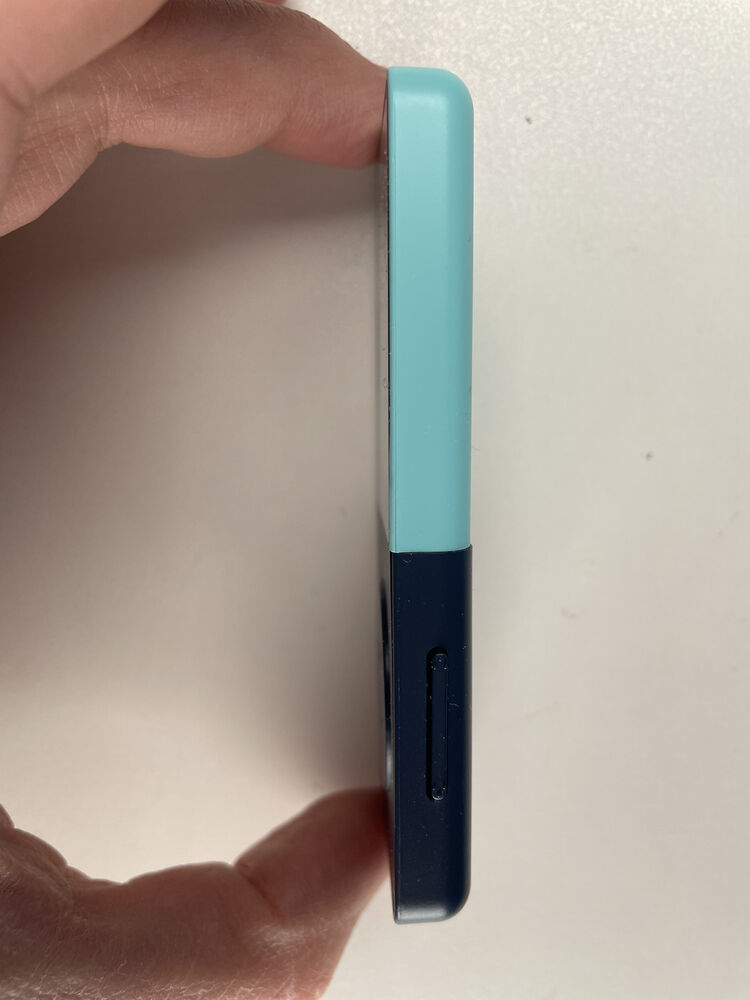
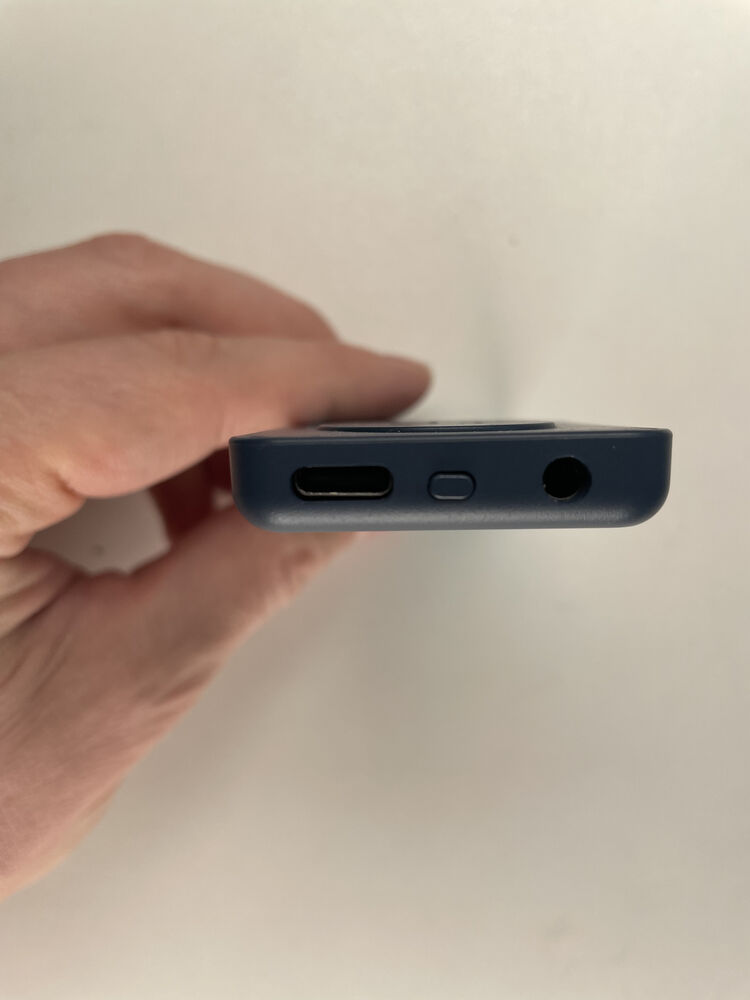
Best value cheap Rockbox player! Very similar to the YP3, but the TS17 has 4.5 MiB of RAM vs the YP3’s 512kb, meaning most of Rockbox works fine. Has more buttons too, so plugins work better.
At a glance
| Spec | Detail |
|---|---|
| Status | In development |
| SoC | Actions Lark (0x2351) |
| CPU | Cortex-M4F, 96 MHz normal / 128 MHz max |
| RAM | ~505 KiB SRAM + 4 MiB PSRAM |
| Code storage | 4 MiB SPI NOR |
| XIP | Yes, through a 32 KiB cache; data and buffers in PSRAM |
| Display | 128x160, ST7735-type |
| Buttons | 8 keys |
| Stock firmware | ? |
| Manufacturer | Tengsen |
| Also known as | Tengsen W1, CONODO |
| Where to buy | CONODO on Amazon. Sells both the TS17 and the TS28 |
Status
| Feature | Status | Notes |
|---|---|---|
| Core | ||
| Boot and power-on | Working | Runs in place from NOR, with PSRAM as main memory. |
| Real power-off and wake | Working | Wake by the on/off key, by plugging in USB, or by alarm. |
| Recovery to download mode | Working | A rescue stub at 0x14000: hold Down, plug in USB. |
| Display & input | ||
| LCD 128x160 | Working | ST7735-type panel, frames by DMA, synced to the tearing-effect line. |
| Backlight | Working | PWM, 10 levels. |
| Buttons | Working | All eight keys checked. |
| Audio | ||
| Codecs | Working | All 41 test files play. |
| Headphone output | Working | 44.1 and 48 kHz, 0.375 dB volume steps. |
| Headphone detect | N/A | The only pin stock reads reads the same with a plug in. |
| Speaker | N/A | The player has none. |
| Recording from the mic | Partial | Works; mic sensitivity not checked with a voice yet. |
| Radio & wireless | ||
| FM radio | Working | RDA5807 with a 24 MHz reference; the headphone cable is the antenna. |
| Bluetooth audio (A2DP) | Working | Range measured better than stock. |
| Bluetooth gamepads and keyboards | Planned | |
| Storage & USB | ||
| microSD | Working | 4-bit, DMA, high speed. |
| USB mass storage | Working | 2.7 MB/s write, 4.0 MB/s read. |
| Power | ||
| Battery monitoring | Working | Reads about 100 mV low under load. |
| Charging control | Partial | Charger is capped and timed. A charge-current reading of 0 is still unexplained. |
| Software | ||
| Real-time clock and alarm | Working | Survives power-off; the alarm wakes the player. |
| Plugins and games | Working | About 2.4 MB for plugins. |
| Video playback | Working | AVI and MKV; MPEG-1/2 up to 320x240. |
Working Partial Missing Broken Planned Untested
Battery life
| Playback | Stock | Rockbox | Rockbox vs stock |
|---|---|---|---|
| Headphone jack | 17.99 h | 27.28 h | 152% |
| Bluetooth (A2DP to a PC, 1 m) | ? | ? | ? |
Hardware
You’ll want a screen protector. And this screen has the worst viewing angles I’ve ever seen.
Getting to download mode
- Turn off player and remove USB
- At the same time: a. Press the power button b. Insert USB cord
- If the screen turns on, the player is not in download mode.
Exiting Download Mode
Press reset button to exit, or press and hold power button for 10+s.
NOTE: The player will sit in download mode indefinitely with the screen off, make sure to turn it off.
Press reset button to exit, or press and hold power button for 10+s.
Rockbox Installed
System > Debug > Reboot to USB download
OR, the above procedure, with the option to press down on the dpad instead.
| Mode | USB ID | Shows up as |
|---|---|---|
| Stock firmware | 10d6:b00b |
ZEPHYR USB DISK |
| Download mode (boot ROM) | 10d6:10d6 |
Actions Semiconductor |
| Rockbox | 1209:0002 |
Rockbox media player |